
Organize workflows in Creation canvas
Connect assets, prompts, tasks, and results in a reusable visual workflow.
How do I use the HolyCrab Creation canvas?
The Creation canvas organizes assets, prompts, generation tasks, and outputs as connected nodes for multi-step work.
How to use it
Build a workflow: Open Creation canvas, add an image, video, audio, or task node, and connect reference assets to the task. Select the task to enter a prompt and generation settings.
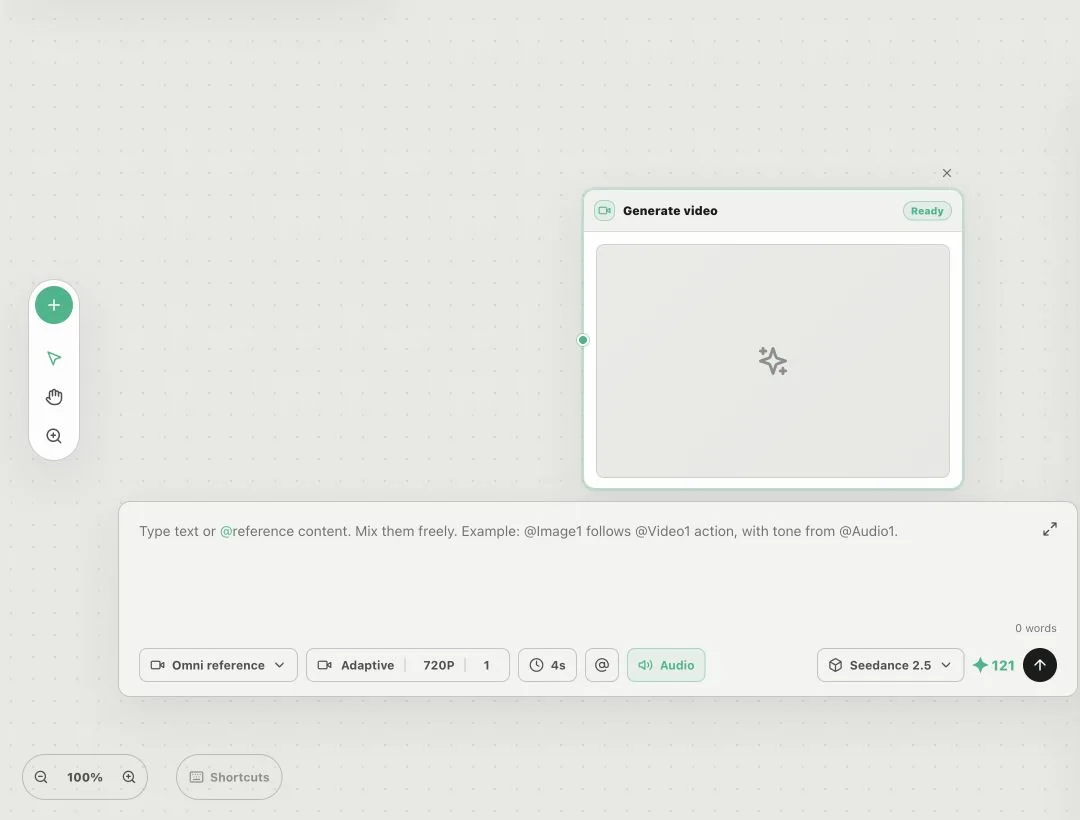
HolyCrab Creation canvas with connected asset and task nodes
Use generated results: Download a completed result or save it to Assets before referencing it in another task.
Manage canvases: Create and switch between up to 10 canvases, or import and export their structure and settings. Canvas work is saved on the current device, so use export when moving it elsewhere.