
Create with HolyCrab from Codex
After installation and setup, return to Codex. Tell it what you want; Codex can check the current model rules, prepare the request, and stop for your approval before spending credits.
Copy one of these requests into Codex
What Codex should do
1. Check what is supported
Codex first reads the installed HolyCrab capability list instead of guessing model names or settings.
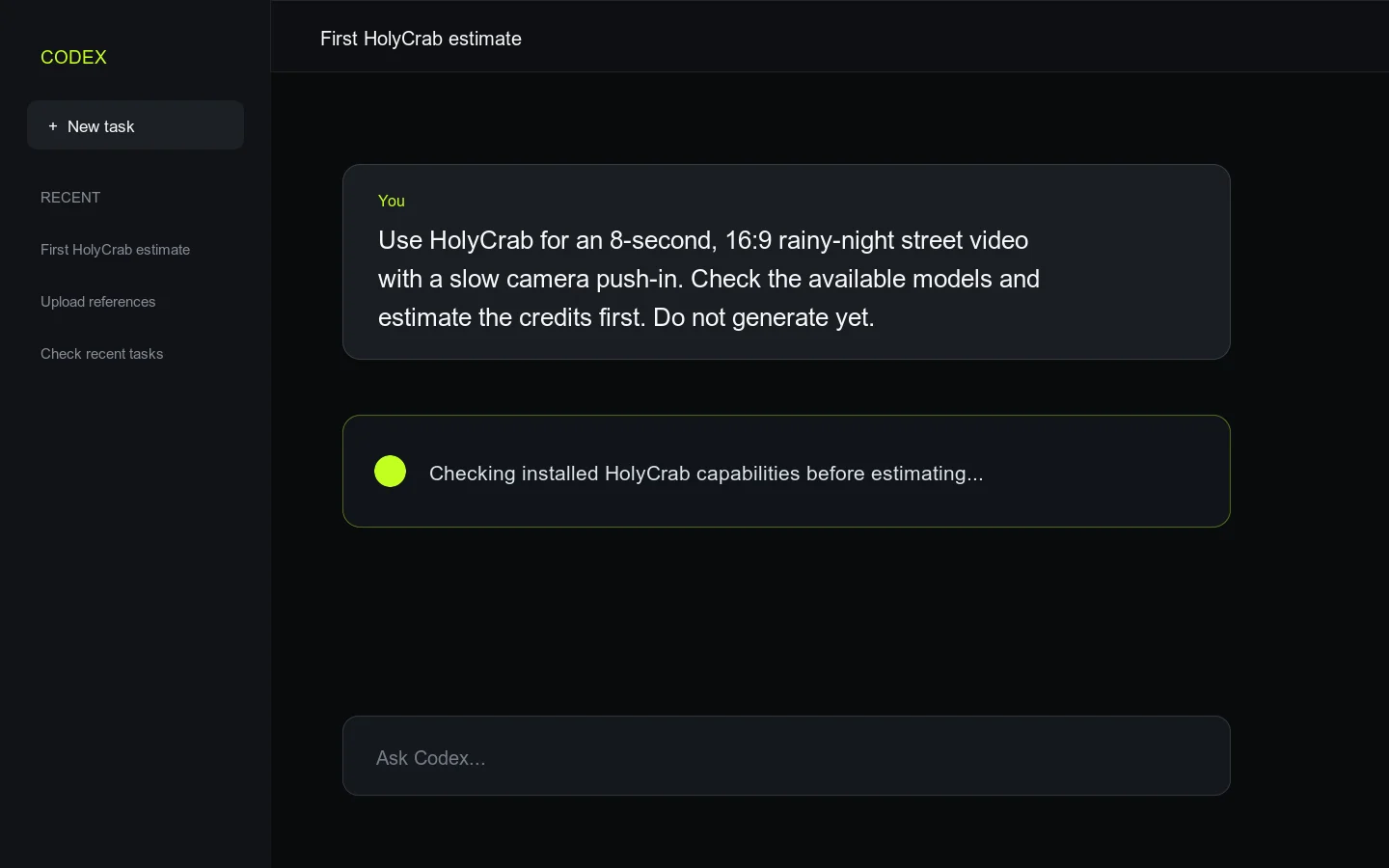
A first request describes the result and explicitly asks for an estimate only.
2. Estimate credits
Codex shows the proposed model, duration or size, output format, and estimated credits before creating anything.
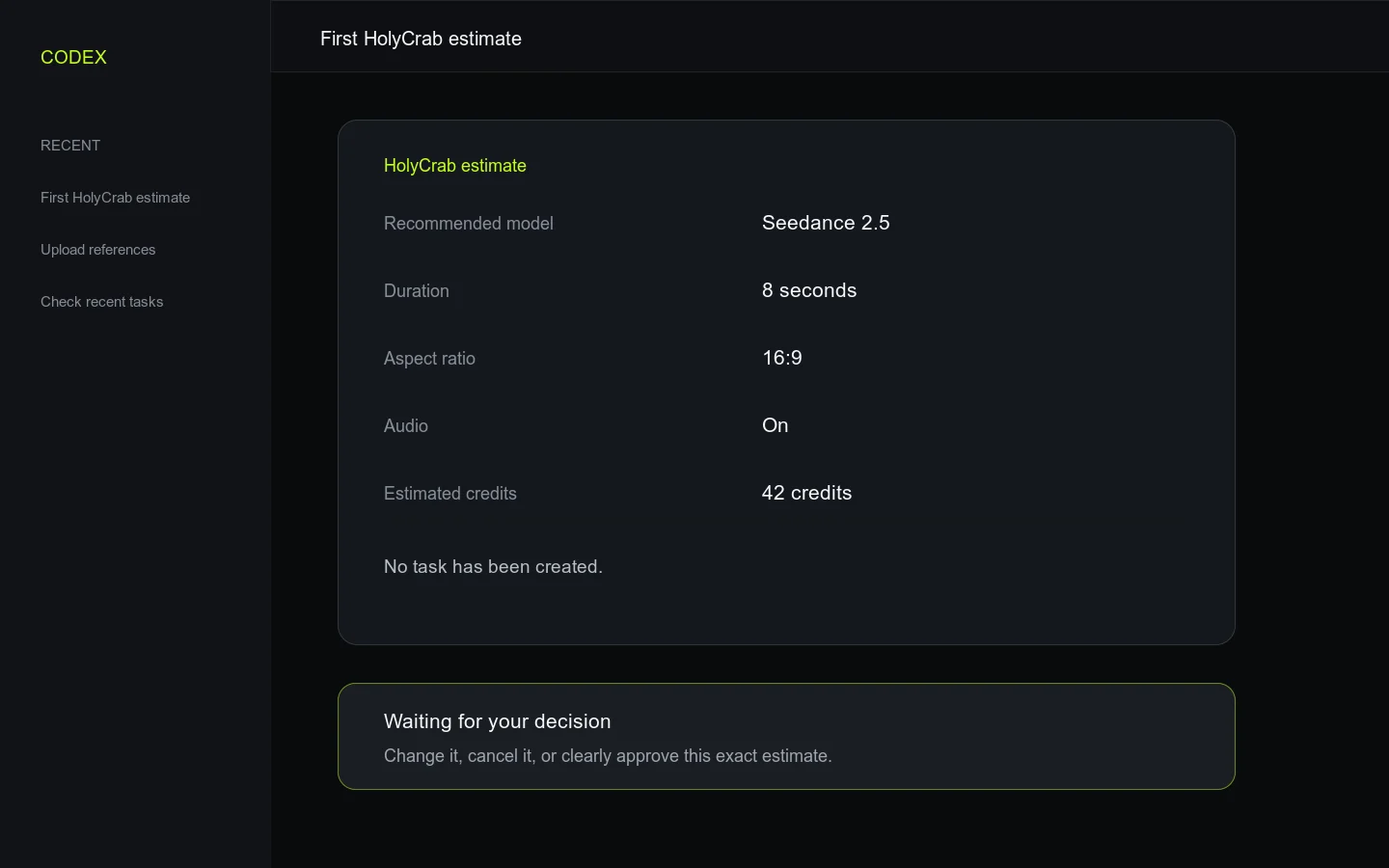
Review the estimate. No paid task should be created at this point.
3. Wait for your decision
Reply with changes, say cancel, or clearly approve this exact request. Silence is not approval.
4. Create one task
After approval, Codex submits once and keeps the returned Task ID—the receipt number for this generation.
5. Wait for the same task
Codex checks that Task ID until it succeeds or fails, then helps download the result.
Three safe replies
I want to inspect the CLI myself
Show optional terminal commands
These are optional checks. Most beginners can keep using Codex instead.
If it did not work
- If Codex cannot find HolyCrab, start a new Codex task after installation, or use troubleshooting to check the local connection.
- If the response skips the estimate, repeat:
Estimate credits first. Do not generate yet. - If the connection drops after approval, ask Codex to check recent tasks. Do not approve the same paid request again yet.