
Invite users and review rewards
Share your registration link and check the current reward status and campaign rules.
How do I invite users and check rewards?
Invites provides your shareable registration link, reward summary, campaign rules, and invitee records.
How to use it
Share an invite: Open Invites and select Copy link, then send that full link to the person registering.
Invites page with reward summary, invite link, and invitee records
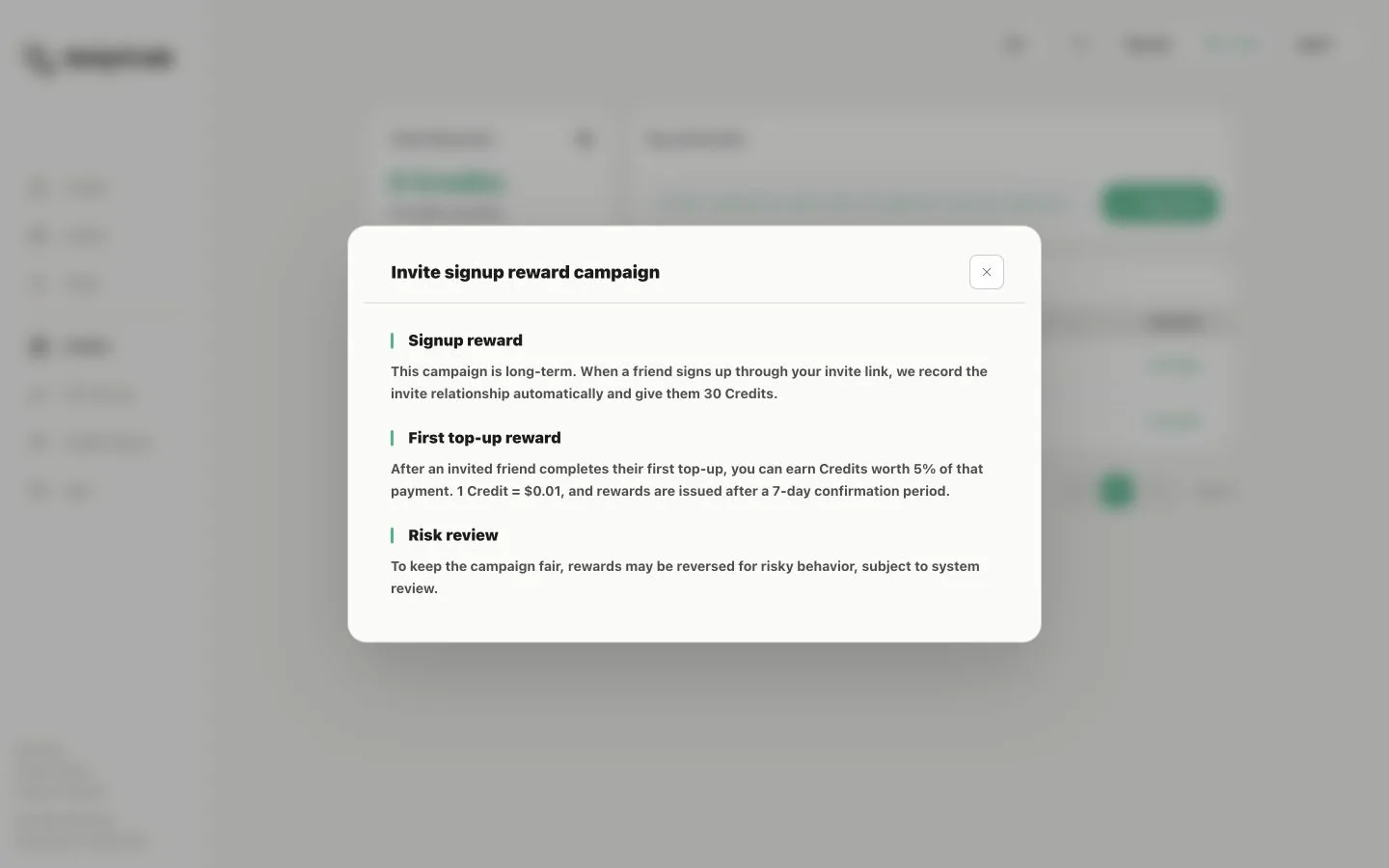
Check rewards: The page shows total and pending rewards plus each invitee's registration time and reward status. Select Reward rules for the current signup, first top-up, confirmation, and risk-review terms.