
Generate AI audio
Turn text into speech and guide the result with an audio or single-image reference when needed.
How do I generate audio in HolyCrab?
Choose AI Voice, enter the spoken text, and select an audio or single-image reference when the voice needs guidance.
How to use it
AI Voice: Seed Audio 1.0 turns text into speech and can use an audio reference or a single image reference. Enter the spoken text, choose the reference type and voice controls, then select Generate voice.
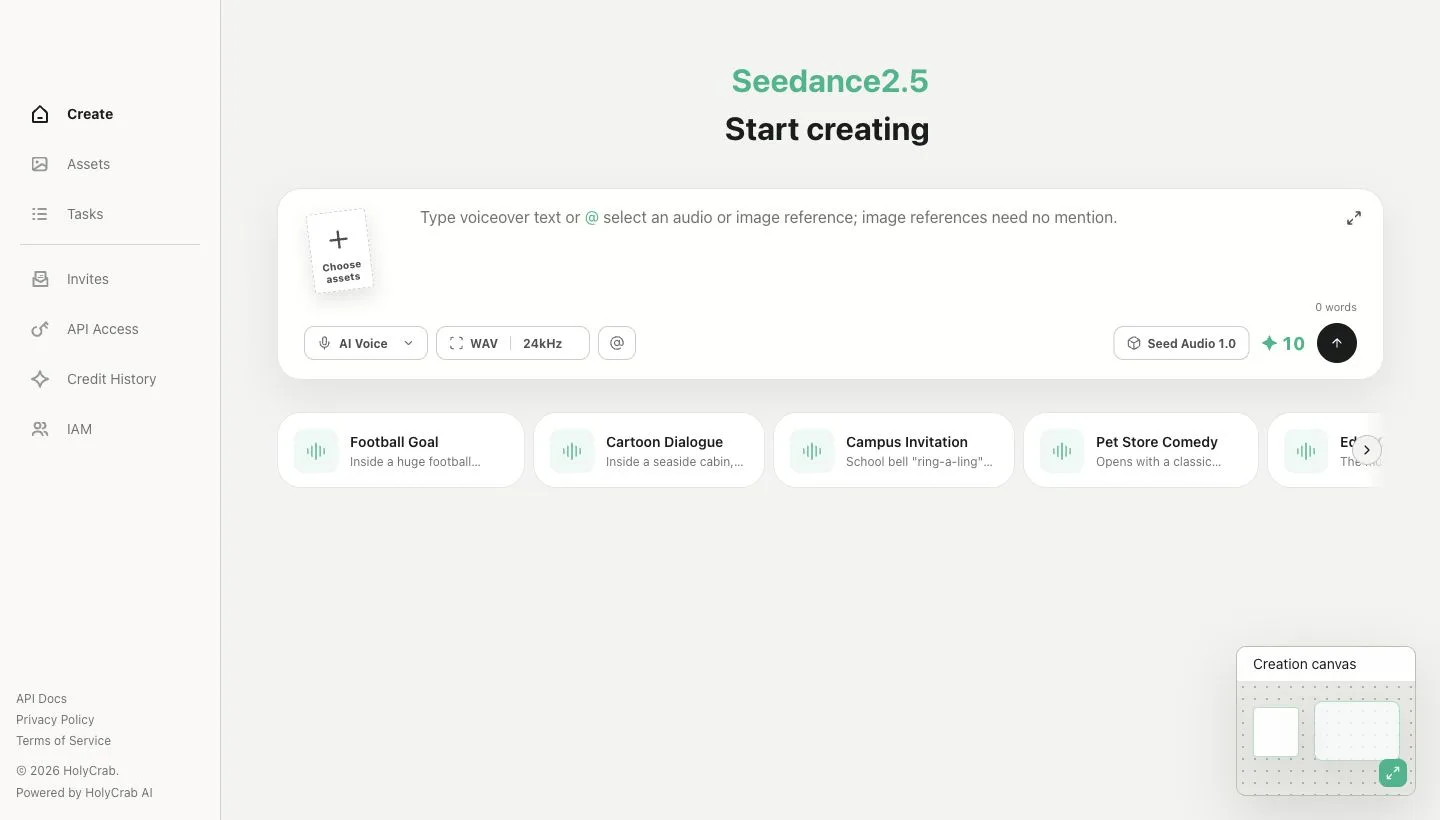
AI Voice creation controls with text and reference inputs