
Generate AI videos
Choose a model and the right HolyCrab video mode, add a prompt and references, then submit a generation.
How do I generate videos in HolyCrab?
Choose AI Video, select a model and video mode, add a prompt and required references, then review the settings before generating.
How to use it
AI Video: Choose Seedance 2.5, Seedance 2.0, Seedance 2.0 Fast, Seedance 2.0 Mini, or MiniMax H3. Add a prompt, choose a video input mode, set the available ratio, resolution, duration and count, then select Generate video.
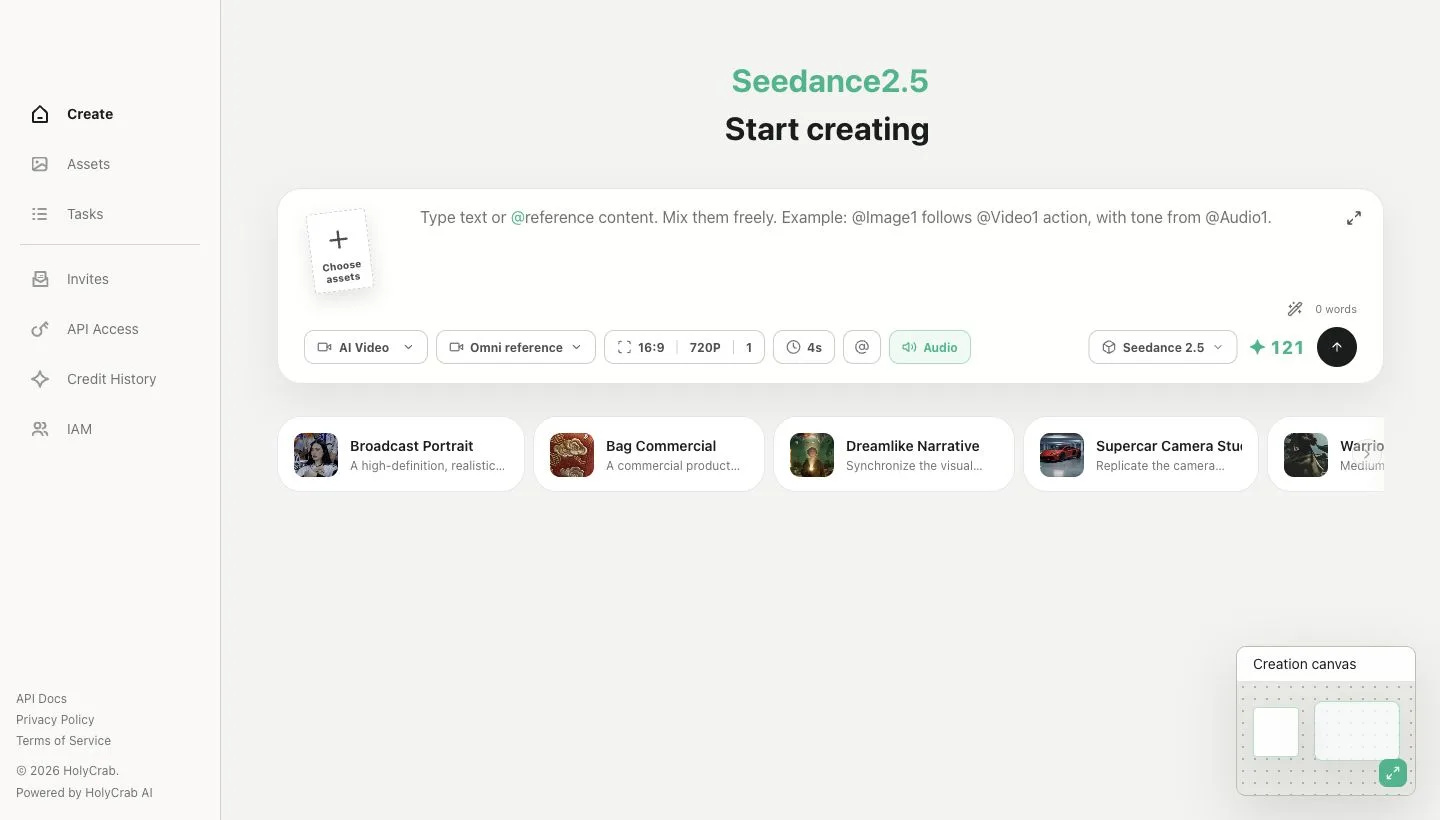
HolyCrab Create page with prompt, asset, model, and generation controls
Which HolyCrab video mode should I use?
Use Omni reference for mixed creative references, First and last frames for visual endpoints, Smart edit to change a source video, and Video extend to continue it.
How to use it
Omni reference: Use it when images define a subject, videos define motion, or audio defines timing and tone. Select assets and mention them in the prompt with @Image1, @Video1, or @Audio1 before generating.
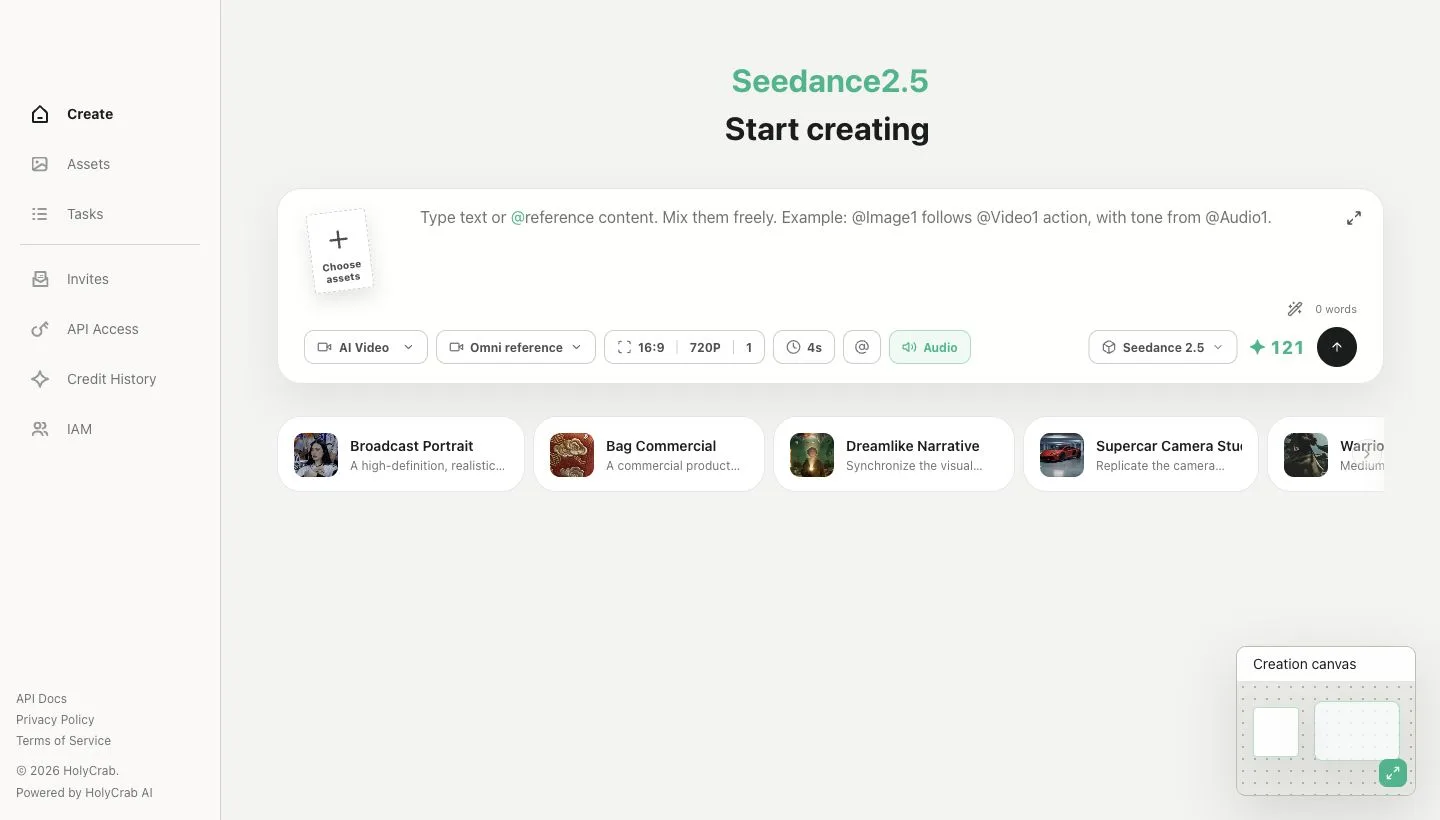
Video Model menu showing Omni reference, First and last frames, Smart edit, and Video extend
First and last frames: Use it when the opening composition matters or the shot must arrive at a specific ending image. Choose a first-frame image and, when needed, a last-frame image, then describe the motion between them.
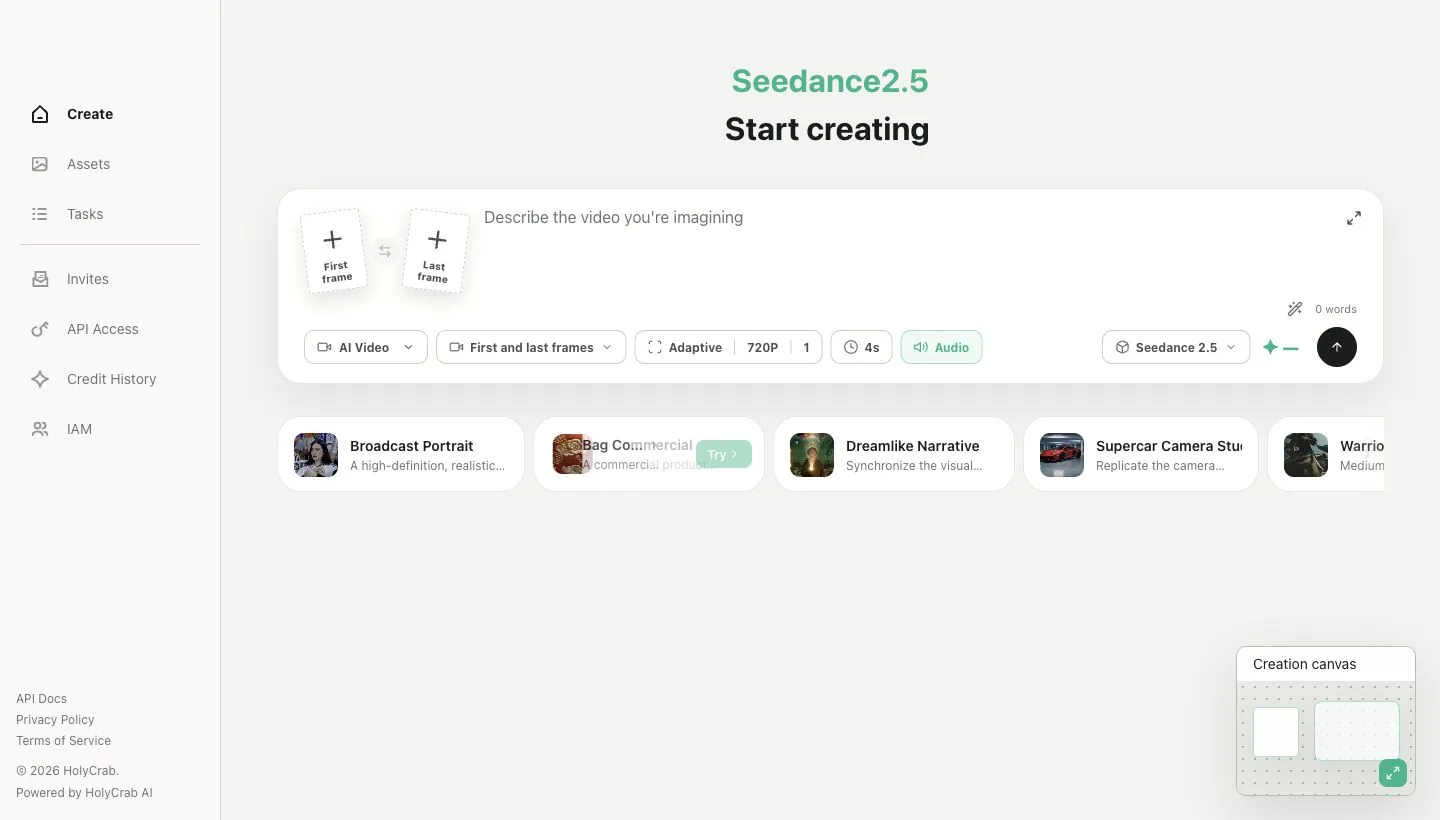
First and last frames workspace for setting the opening and optional ending image
Smart edit: Use it to replace, remove, add, or alter elements in a 4–30 second source video. Choose the main video and write the edit instruction; ratio and duration follow the source.
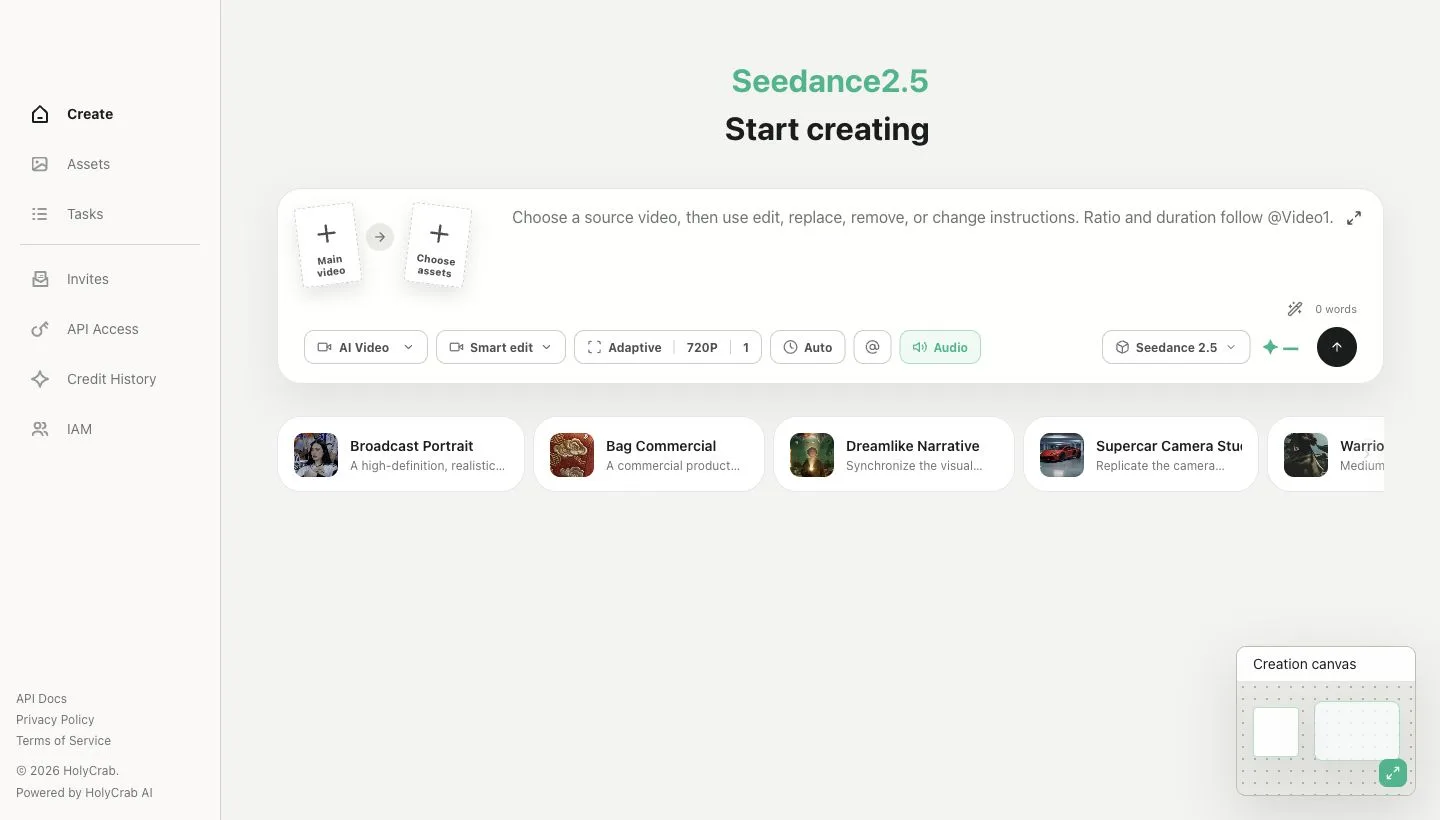
Source-video workspace used by Smart edit and Video extend
Video extend: Use it to continue the story after a 2–30 second source video. Choose the main video and describe what happens next; the continuation duration is selected automatically.